← Back to Scholarship Resources
Best Scholarship Tracker Templates for Students
Published Apr 16, 2026 · Updated Apr 23, 2026
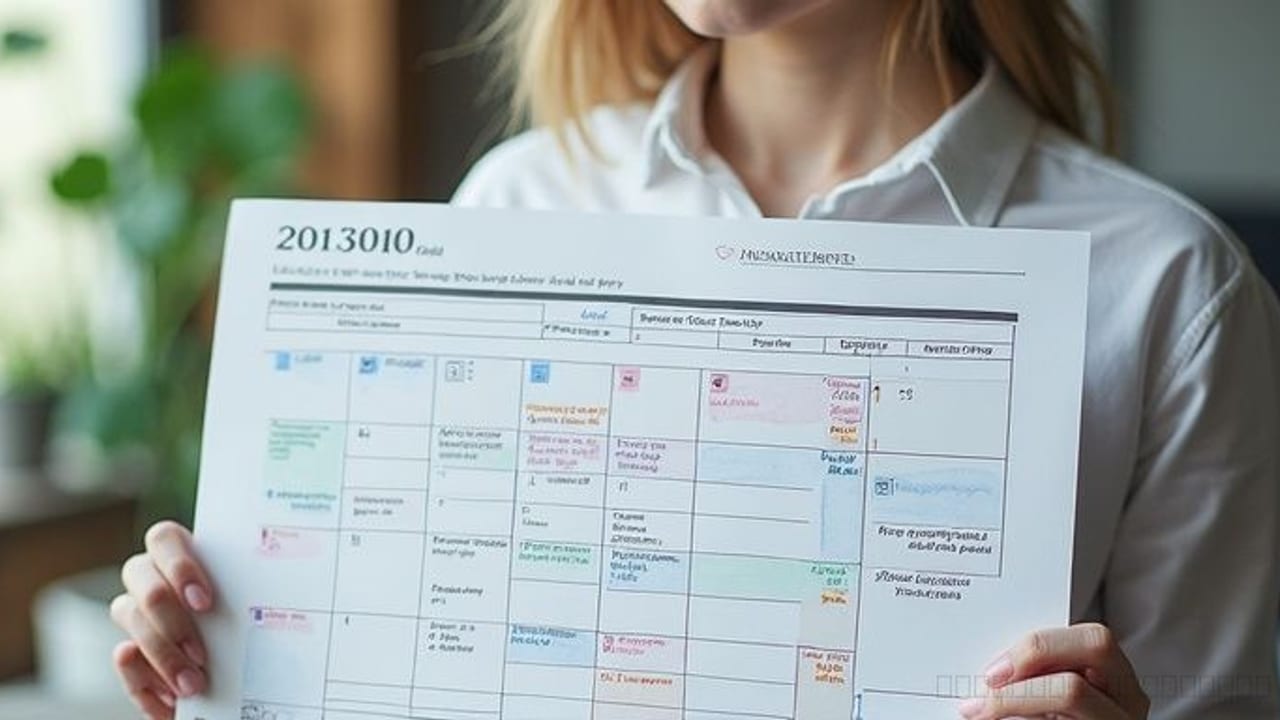
Scholarship season gets messy fast. One award needs a transcript by Friday, another wants two recommendation letters next month, and a third has a rolling deadline buried in a long eligibility page. Without a reliable system, students often miss deadlines, forget required documents, or waste time re-reading the same scholarship details over and over.
That is why the best scholarship tracker templates for students are not just nice to have. A strong tracker becomes your control center for deadlines, essay progress, submission status, and follow-up tasks. Whether you prefer a scholarship spreadsheet template, a simple checklist, or a calendar-based scholarship deadline tracker, the right format can save hours and reduce stress.
If you are still building your application process, it helps to review the basics of how to apply for scholarships and understand how scholarship deadlines work. For students comparing official requirements, the U.S. Department of Education also offers useful higher education information at the Department of Education website.
What a scholarship tracker template should include
A useful scholarship organizer template should do more than list names and deadlines. At minimum, it should track the scholarship name, provider, award amount, deadline, eligibility notes, required documents, essay topics, recommendation letter needs, application link, and current status. Those fields help you decide what to prioritize instead of treating every opportunity the same.
Build a smarter scholarship strategy
Take a comprehensive cognitive assessment to see whether your strengths point toward essays, research, deadlines, or fast applications.
Preview report
IQ
--
Type
???
The best templates also include decision-making fields. Add columns for effort level, fit, renewal potential, and whether the scholarship is local, institutional, or national. If you are applying to many awards, include a “next action” field so you always know the next step, such as requesting a transcript, drafting an essay, or confirming a recommender.
Here are the most useful fields to include in any scholarship application tracker:
- Scholarship name
- Provider or organization
- Award amount
- Deadline
- Deadline type: fixed, rolling, priority
- Eligibility summary
- Required documents
- Essay prompt or topic
- Recommendation letters needed
- Application link
- Status: not started, in progress, submitted, won, not selected
- Next action
- Notes
Students who want a more accurate planning system can also verify academic calendars or admissions timelines through official university websites, such as Harvard University or other .edu sources relevant to their target schools.
1. Spreadsheet template: best for students applying to many scholarships
A scholarship spreadsheet template is usually the most flexible option. It works especially well for students applying to 10, 20, or even 50 scholarships because it lets you sort by deadline, filter by status, and color-code urgent tasks. If you are serious about volume and want a full scholarship planning template, a spreadsheet is often the strongest choice.
The biggest advantage is visibility. You can see every scholarship in one table and quickly answer practical questions: Which deadlines are this month? Which applications need essays? Which awards are still missing recommendation letters? That makes a spreadsheet the best scholarship tracker for students who want control and detail.
Best for:
- High school seniors applying broadly
- College students juggling many deadlines
- Students who like sorting and filtering data
- Anyone building a reusable scholarship spreadsheet template each year
Pros:
- Easy to customize
- Great for large application lists
- Simple to sort by deadline or amount
- Works in Excel or Google Sheets
Cons:
- Can feel overwhelming if overbuilt
- Requires regular updating
- Less visual than a calendar
A strong spreadsheet layout usually includes tabs for active scholarships, submitted applications, essay bank, and document checklist. That hybrid setup turns a basic tracker into a full scholarship organizer template.
2. Checklist template: best for students who need simplicity
Some students do not need a complex dashboard. They need a clean list they will actually use. A checklist-style scholarship tracker template is ideal if you apply to a smaller number of scholarships or get discouraged by large spreadsheets.
This format focuses on completion. Instead of managing dozens of columns, you track whether each major task is done: eligibility reviewed, account created, essay drafted, transcript requested, recommendation submitted, application sent. For students who struggle with procrastination, a checklist can be more motivating than a spreadsheet because progress feels visible.
Best for:
- Students applying to a limited set of scholarships
- First-time applicants
- Students who prefer paper planners or simple digital notes
- Anyone who wants a free scholarship tracker for students without setup time
Pros:
- Very easy to maintain
- Reduces mental clutter
- Helps with task completion
- Good for weekly review
Cons:
- Harder to compare many scholarships at once
- Limited detail for essays and notes
- Not ideal for tracking rolling opportunities
A checklist works best when paired with a separate calendar reminder. On its own, it can miss the timing side of scholarship planning.
3. Calendar-based tracker: best for deadline management
A scholarship deadline tracker built around a calendar is perfect for students who mainly need help remembering dates. This format highlights due dates, reminder dates, and mini-deadlines for tasks like drafting essays or asking for recommendation letters two weeks early.
The main strength of a calendar system is urgency. It answers the question, “What needs attention this week?” better than most spreadsheets. That is especially helpful during busy school months when scholarship work competes with exams, sports, and college applications.
Best for:
- Students with packed schedules
- Students who already use digital calendars daily
- Applicants managing time-sensitive scholarships
- Anyone who misses deadlines easily
Pros:
- Excellent for reminders
- Easy to sync with phone notifications
- Helps break large applications into smaller tasks
- Great for weekly planning
Cons:
- Weak for storing detailed scholarship notes
- Hard to compare award amounts or eligibility in one view
- Often needs a second tool for full tracking
If you use a calendar format, create at least three reminders for each scholarship: one when you find it, one two weeks before the deadline, and one 48 hours before submission. That simple system prevents last-minute scrambling.
4. Kanban or board template: best for visual learners
A board-style scholarship application tracker uses columns such as “To Research,” “Eligible,” “In Progress,” “Waiting on Documents,” and “Submitted.” It is a strong option for visual learners who like dragging tasks from one stage to the next.
This format is less common than a scholarship spreadsheet template, but it can be highly effective. It shows workflow clearly and helps students spot bottlenecks. If five scholarships are stuck in “waiting on recommendation,” you know exactly where to focus.
Best for:
- Visual planners
- Students using project-management apps
- Applicants who want a simple status overview
- Students working with a parent, counselor, or mentor
Pros:
- Easy to understand at a glance
- Strong for workflow management
- Encourages momentum
- Good for collaboration
Cons:
- Limited room for detailed data
- Not ideal for tracking many deadlines alone
- Can become messy without naming rules
A board works best as a companion tool, not the only one. Pair it with a spreadsheet or document folder so you do not lose important details.
5. Hybrid template: best overall for most students
For most students, the best scholarship tracker templates combine formats. A hybrid system usually includes a spreadsheet for master data, a calendar for deadlines, and a checklist for recurring tasks. That setup gives you detail, reminders, and action steps without forcing one tool to do everything.
This is often the most realistic answer to how to track scholarship applications. Different parts of the process require different views. A spreadsheet helps you compare opportunities, a calendar keeps you on schedule, and a checklist makes sure nothing important gets skipped.
A practical hybrid system might look like this:
- Master spreadsheet with all scholarships and key fields
- Calendar reminders for deadlines and document requests
- Reusable checklist for each application
- Folder structure for essays, transcripts, resumes, and recommendation requests
If you are unsure where to start, choose hybrid. It gives you structure without becoming too rigid.
How to choose the right scholarship planning template
The best template depends on your workload, habits, and tolerance for detail. Students applying to a handful of local awards may do perfectly well with a checklist and calendar. Students targeting competitive national, institutional, and field-specific scholarships usually need a stronger scholarship spreadsheet template.
Use these questions to decide:
- How many scholarships will you apply to? If the answer is more than 10, use a spreadsheet.
- Do you miss deadlines often? If yes, make a calendar your primary tool.
- Do you avoid systems that feel complicated? Start with a checklist.
- Do you need to compare award amounts and eligibility quickly? Use a spreadsheet.
- Do you want one system that grows with you? Build a hybrid tracker.
Also think about where you work best. If you are always on your phone, Google Sheets plus calendar alerts may be enough. If you like printing pages and checking boxes, a paper scholarship organizer template may keep you more consistent.
How to set up your scholarship tracker in 7 practical steps
A good tracker only works if you build it around real behavior. Keep the setup simple enough that you will update it every week.
- Create your master list. Start with every scholarship you are considering, even if you are not fully sure you qualify.
- Add essential columns. Include deadline, amount, eligibility, requirements, essay topic, status, and next action.
- Color-code by urgency. Use one color for this week, another for this month, and another for later deadlines.
- Add reminder dates. Do not rely on the final deadline alone. Set earlier reminders for essays, transcripts, and recommendation letters.
- Build a reusable checklist. Include steps like confirm eligibility, draft essay, proofread, upload documents, and submit.
- Review weekly. Spend 15 to 20 minutes once a week updating status and moving priorities.
- Archive results. Keep submitted, won, and closed scholarships in a separate tab so your main tracker stays clean.
Students who are comparing multiple awards should also understand whether scholarships can stack together. This matters when you estimate the value of each opportunity, and it is worth reviewing whether multiple scholarships can be combined.
Common mistakes that make scholarship trackers fail
The biggest mistake is overcomplicating the system. Students often build a beautiful tracker with too many tabs, formulas, and labels, then stop using it after one week. A scholarship tracker template should reduce friction, not create another school project.
Another common problem is tracking deadlines without tracking tasks. A deadline alone does not tell you when to ask a teacher for a recommendation, when to draft an essay, or when to request a transcript. Break each application into smaller actions so your scholarship deadline tracker becomes a planning tool, not just a reminder list.
Watch out for these issues:
- Only recording the final deadline
- Forgetting to save essay prompts
- Not noting whether a scholarship is renewable
- Failing to track submission confirmation
- Mixing expired and active opportunities in one view
- Ignoring fit and applying to low-match scholarships first
A final tip: keep a short notes field for every scholarship. That is where you record details like “needs community service proof” or “essay can be adapted from leadership draft.” Those notes save time later.
FAQ: choosing and using a scholarship application tracker
What should a scholarship tracker template include?
It should include the scholarship name, provider, deadline, award amount, eligibility, required documents, essay requirements, application link, and status. The most useful templates also include a next-action field and notes so you can plan your work instead of just storing information.
Is a spreadsheet the best way to track scholarship applications?
For many students, yes. A spreadsheet is usually the best option when you are applying to many scholarships because it makes sorting, filtering, and comparing opportunities much easier. Still, students who prefer simplicity may do better with a checklist or a hybrid system.
Can I use Google Sheets as a scholarship tracker?
Yes, Google Sheets works very well as a free scholarship tracker for students. It is easy to access on different devices, simple to share with a parent or counselor, and flexible enough to become a full scholarship planning template.
How do students keep track of scholarship deadlines?
The most reliable method is to combine a master tracker with calendar reminders. Students should record each deadline in a spreadsheet or checklist, then add reminder dates at least two weeks and two days before the final due date.
Are there free scholarship tracker templates for students?
Yes. Many students create their own free scholarship tracker for students using Google Sheets, Excel, or a notes app. A simple custom template is often better than a fancy one because it matches your actual workflow.
📌 Quick Summary
- Key Point 1: This guide breaks down the core strategy for Best Scholarship Tracker Templates for Students.
- Key Point 2: The best scholarship tracker templates for students make it easier to organize deadlines, essays, recommendation letters, award amounts, and application status in one place. This comparison breaks down spreadsheet, checklist, calendar, and hybrid formats so you can choose the system that fits your workflow and avoid missing valuable opportunities.
- Key Point 3: Compare the best scholarship tracker templates for students, including spreadsheet, calendar, and checklist formats to organize deadlines, requirements, and application status.
Continue Reading
- How to Apply for Scholarships — practical steps to organize your application process and avoid rookie mistakes
- Scholarship Deadlines Explained — simple ways to track deadlines and avoid missing key dates
- Can You Combine Multiple Scholarships? — understand how stacking scholarships works and which rules to watch
- Medical Scholarships Guide — practical guidance for healthcare, nursing, pre-med, and public health scholarship searches
- Scholarships for International Students — eligibility and application guidance for international student scholarship searches
Related Scholarships
Real opportunities from our catalog, matched to this article.
Browse the full scholarship catalog — filter by deadline, category, and more.
- NEW
Dr. Stahlman Endowed Fellowship
offers this scholarship to help cover education costs. It is geared toward students attending . Plan to apply by 4/15/2026.
Amount Varies
Award Amount
Apr 15, 2026
deadline passed
None
Requirements
Apr 15, 2026
deadline passed
None
Requirements
Amount Varies
Award Amount